New to online business? Start with our free 7-day roadmap and build your foundation step by step.
Get the Free Roadmap →Marketing
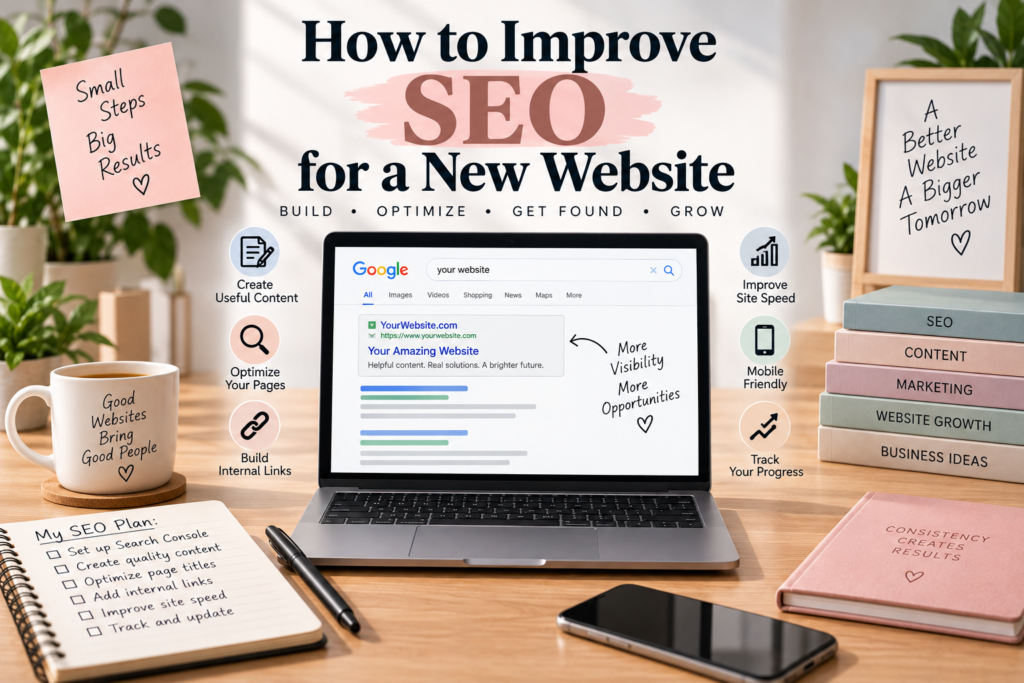
How to Improve SEO for a New Website
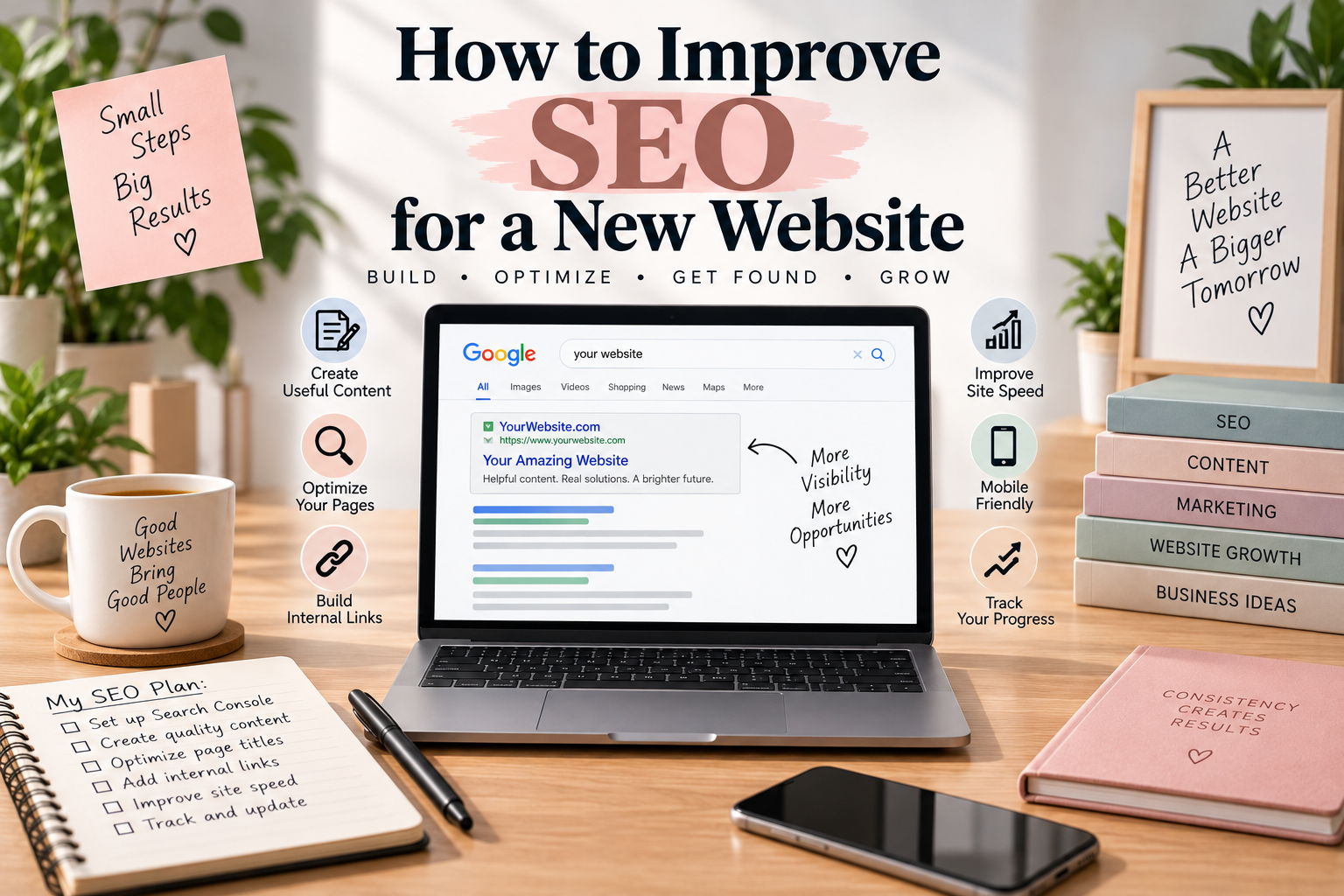
How to Improve SEO for a New Website
Starting a new website is exciting, but getting people to find it can be challenging. Search engines need time to discover and understand a new site, while visitors need a clear reason to click and stay.
How to Improve SEO for a New Website starts with the basics: creating useful content, organizing your pages clearly, making the website easy to use, and helping search engines understand what your site is about.
You do not need to implement every advanced SEO technique immediately. A few strong foundations can make your website easier to discover and easier for visitors to use.
1. Make Sure Your Website Can Be Found
Before working on rankings, make sure search engines can actually access your website.
Check that important pages are not accidentally blocked from search engines and that visitors can access them without logging in.
A new website should also have a logical structure with links connecting the main pages.
Google provides documentation explaining the technical requirements a page generally needs to be eligible for Search. You can review the Google Search Essentials for more information.
2. Create Useful Pages Before Chasing Rankings
A new website needs something valuable for people to discover.
Instead of immediately focusing on how many keywords you can target, think about what information your audience actually needs.
You could create:
- Beginner guides
- How-to articles
- Product guides
- Frequently asked questions
- Comparisons
- Checklists
- Original examples
- Helpful resources
People-first content gives visitors a reason to spend time on your website.
If your site is focused on marketing, for example, you could start with practical guides about creating content, getting customers, social media, and website traffic.
For more information about building a content strategy, read How to Start Content Marketing.
3. Choose Topics That Match Your Audience
New websites often make the mistake of choosing topics simply because they seem popular.
A better approach is to find subjects that connect directly to your audience and what your website offers.
Ask yourself:
- What questions do my customers have?
- What problems are they trying to solve?
- What would they search before buying something?
- What information is difficult for beginners to understand?
- What can my website explain particularly well?
Keyword research can help you discover the language people use when searching for these topics.
However, do not choose a topic solely because it has a keyword attached to it. The subject should make sense for your website and audience.
4. Give Every Page a Clear Purpose
Each important page on your website should have a clear reason for existing.
For example, your homepage might introduce your website, while a specific article answers one particular question.
A product page can explain a product, while a buying guide can help someone decide which option is suitable for them.
This makes your website easier to understand.
It also prevents you from creating multiple pages that all say almost exactly the same thing.
5. Write Better Page Titles
Your page title should accurately describe the content visitors will find.
Compare:
Marketing Tips
with:
How to Market a Small Business Online
The second title gives visitors a much clearer idea of what the page is about.
Good SEO titles should be descriptive rather than misleading or stuffed with keywords.
Try to write titles for real people first. Someone should be able to understand the purpose of the page without needing additional explanation.
6. Use Headings to Organize Your Content
Long articles are easier to read when they are divided into logical sections.
Use an H1 for the main page title and H2 and H3 headings to organize the information underneath it.
For example:
- H1: How to Improve SEO for a New Website
- H2: Create Useful Pages
- H2: Improve Your Website Structure
- H2: Use Internal Links
- H2: Monitor Your Results
Clear headings allow visitors to scan an article and quickly find the section they need.
7. Build a Strong Internal Linking Structure
Internal linking connects pages on your website to other relevant pages on the same site.
This is particularly useful when your website starts developing several related articles.
For example, this article can connect to What Is SEO and How Does It Work? for readers who want to understand the fundamentals first.
Another reader might want practical advice specifically for a small business. You can direct them to How to Use SEO for a Small Business.
Keep your links natural. Add them when the linked page genuinely provides additional information.
8. Make Your Website Mobile-Friendly
A large number of people browse websites using smartphones, so your website should work properly on smaller screens.
Check your website on both desktop and mobile devices.
Look at:
- Font size
- Navigation menus
- Buttons
- Images
- Forms
- Spacing
- Page layout
Visitors should not have to zoom in or constantly move the page sideways to read your content.
9. Improve Your Website Speed
Website performance can affect the experience visitors have when using your site.
Large images, unnecessary scripts, excessive plugins, and poorly optimized resources can all contribute to slower pages.
You can use Google PageSpeed Insights to check your website’s performance and identify potential improvements.
Do not focus only on achieving a perfect score. The practical goal is to provide a fast and comfortable experience for real visitors.
10. Optimize Your Images
Images can make an article easier to understand and more visually appealing.
Use images that are relevant to the subject of the page.
Give important images descriptive alternative text when appropriate. The alt text should describe the actual image rather than simply repeating a keyword.
For example, an image showing a laptop with an SEO checklist could use alt text such as:
SEO checklist for a new website
That tells visitors and assistive technologies what the image represents.
11. Use Relevant Keywords Naturally
Search intent should guide how you use keywords throughout your content.
If someone searches for “how to start an online store,” they probably expect instructions rather than a page that simply repeats the phrase dozens of times.
Use relevant words naturally in your title, headings, paragraphs, image descriptions, and links when appropriate.
Avoid forcing keywords into sentences where they do not belong.
Natural writing is easier for visitors to read and makes it easier to explain a subject properly.
12. Connect Related Articles
As your website grows, think about groups of related content rather than individual articles.
For example, an online business website might have groups covering:
- Ecommerce
- Marketing
- SEO
- Social media
- Online business ideas
- Selling platforms
Articles within each group can link to one another where useful.
Someone reading about increasing website traffic might also be interested in How to Get More Traffic to Your Website.
This creates a connected library of information instead of a collection of isolated posts.
13. Set Up Google Search Console
Google Search Console is a useful free tool for website owners.
It can provide information about how your website performs in Google Search, including queries, impressions, clicks, and indexed pages.
For a new website, the data may be limited at first. That is normal.
As your website gains search visibility, the information can help you understand which topics and pages are attracting attention.
14. Submit Your Sitemap
A sitemap can help search engines discover URLs that you want them to know about.
Many WordPress websites automatically generate a sitemap.
You can check whether your SEO or WordPress setup has created one and submit it through Search Console if appropriate.
Google recommends submitting a sitemap as one way of keeping it informed about future changes to your website. :contentReference[oaicite:1]{index=1}
15. Keep Publishing Useful Content
A new website usually needs time to build a useful collection of content.
You do not have to publish several articles every day.
Instead, focus on creating pages that answer meaningful questions and add something useful to your website.
Content quality is more important than simply increasing your article count.
Before publishing, ask:
- Does this article answer the question?
- Is the information clear?
- Does it provide something useful?
- Are the examples relevant?
- Can the reader easily find related information?
16. Promote Your New Content
Publishing an article does not automatically mean people will discover it immediately.
Share useful content through channels that are relevant to your audience.
You could use:
- TikTok
- Email newsletters
- Relevant online communities
- Your existing audience
The goal is not to share every article everywhere.
Choose platforms where your audience is likely to be interested and adapt your message to each platform.
17. Monitor Your Progress
SEO is easier to improve when you have information about what is happening.
Check your analytics and Search Console periodically.
Look for patterns such as:
- Which pages receive impressions?
- Which pages receive clicks?
- Which searches bring people to your site?
- Which articles attract the most visitors?
- Are some pages getting little visibility?
These observations can help you decide what to improve next.
18. Update Older Pages
SEO is not only about publishing new articles.
Older pages can also become more useful with updates.
Check whether:
- Information is still accurate
- Links still work
- Examples are still relevant
- Headings are clear
- Images are useful
- New information should be added
An article that was useful six months ago may become even better after a thoughtful update.
19. Avoid Common SEO Shortcuts
New website owners sometimes become tempted by promises of instant rankings.
Be cautious about services that promise guaranteed first-place rankings or thousands of backlinks for a very low price.
Also avoid copying content, stuffing keywords into pages, creating large numbers of low-value articles, or building links solely to manipulate rankings.
Google’s current Search guidance includes policies covering practices such as keyword stuffing, link spam, and scaled content abuse. :contentReference[oaicite:2]{index=2}
A sustainable strategy should focus on creating a website that people actually find useful.
How to Improve SEO for a New Website: A Simple Plan
If your website is new, you can keep your first SEO plan simple.
Step 1: Build the Foundation
Make sure your website works properly, has clear navigation, and contains the important pages visitors need.
Step 2: Choose Your Main Topics
Identify the subjects most relevant to your audience and business.
Step 3: Create Useful Content
Write helpful articles that answer real questions instead of creating pages simply to target keywords.
Step 4: Connect Your Pages
Add relevant internal links so visitors can easily discover related information.
Step 5: Monitor Search Performance
Use Search Console and analytics to understand how your website develops over time.
Step 6: Improve Gradually
Use what you learn to update existing pages and create better content.
Final Thoughts
How to Improve SEO for a New Website does not require you to master every technical SEO concept before you begin.
Start with a strong foundation. Make your website easy to navigate, create useful content, use relevant keywords naturally, connect related pages, and make sure search engines can access your important content.
Then give your website time to develop.
Search visibility can take time, especially for a new domain. Use the information you collect to understand what your audience wants and keep improving the pages that matter most.
The goal is not simply to make search engines notice your website. The goal is to create a website that deserves to be discovered.
FAQ
How long does SEO take for a new website?
There is no fixed timeline. A new website may take time to be discovered, indexed, and build search visibility. Results can vary depending on the topic, competition, content, website structure, and other factors.
What should I do first for SEO?
Start by making sure your website works properly, has clear navigation, and contains useful content that matches the needs of your audience.
Do new websites need SEO?
SEO can help new websites make their content easier for search engines to understand and easier for potential visitors to discover.
How many articles should a new website have?
There is no magic number. Focus on publishing useful, relevant content rather than trying to reach an arbitrary article count.
Can I do SEO myself?
Yes. Beginners can handle many fundamental SEO tasks themselves. As a website becomes more complex, professional assistance can be useful for technical or strategic challenges.
Does SEO guarantee Google rankings?
No. SEO can improve your website and make it easier to understand and discover, but nobody can legitimately guarantee a specific Google ranking.
1 thought on “How to Improve SEO for a New Website”
Comments are closed.
[…] and build enough trust in new or updated content. If your site is brand new, our guide on how to improve SEO for a new website covers a few extra steps specific to that early stage. The payoff is that once it starts […]